
Inter Smart
Talk to our expert today
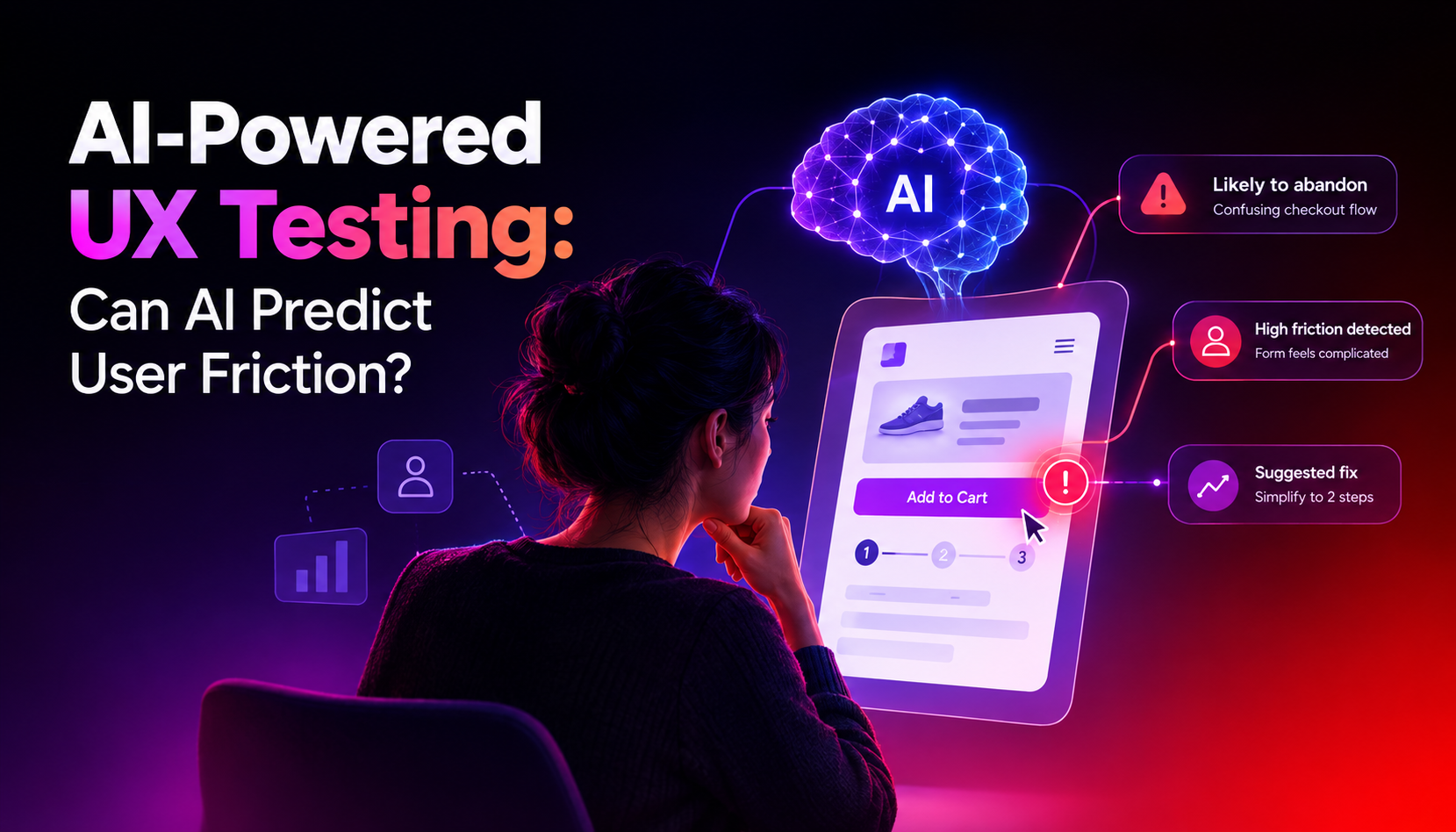
Yes, AI can definitely predict user friction even before any real user gets to your website.
AI-powered UX testing tools can analyse how users interact with your design choices. It can spot areas where users tend to hesitate or lose their way. You will see very few errors after launch this way.
This article looks at how AI UX testing works, what it can do for your business, which tools you should be familiar with, and what it means for a business that cares about how its website performs.
| What is user friction? User friction is any inconvenience that shows up when a user is trying to complete an action on your website. It can be a button that is hard to find, a difficult form to fill or a page that loads slow. These friction points reduce conversions and increase bounce rates. |
With traditional UX testing, you have to recruit real people, watch and analyse how they use your product and draw conclusions based on the analysis. It takes times and money.
AI UX testing works differently. It uses synthetic users, AI agents trained to behave like real people, to navigate a website or prototype. These agents click through pages, attempt tasks, and report where they struggled. There are also tools that analyse heatmaps, scroll behaviour and click paths.
Figma’s 2025 AI report states that 40% of developers already adopted AI during the testing phase, and it is growing fast. The tools have also matured significantly.
The key thing to understand is what AI finds. It’s good at catching structural friction: unclear navigation, poorly labelled buttons, confusing layouts, slow-loading sections. These are patterns that appear consistently across users. AI catches them quickly and at scale.
AI is a strong signal detector. It’s less reliable as a storyteller.
What AI handles well:
What AI is less equipped for:
As Swarm’s UX testing guide puts it plainly: “An AI persona can show that a button is unreachable under test conditions. It cannot prove how many customers fail or why a market segment buys.” That’s the honest line between what AI does and what human research does.
Used together, they cover far more ground than either does alone.
| Traditional UX Testing | AI-Powered UX Testing | |
| Speed | Days to weeks | Minutes to hours |
| Cost | High (recruitment + time) | Lower, no recruitment needed |
| Scale | Limited participants | Hundreds of simulated sessions |
| Availability | Scheduled sessions only | On demand, anytime |
| Best for | Complex, nuanced behaviour | Catching friction early, pre-launch |
AI testing is ideal for catching obvious friction early, running repeatable pre-launch checks, and testing flows that are hard to recruit participants for. Human testing is irreplaceable when you need to understand the reasoning behind behaviour.
There are several tools in this space now, each with a slightly different approach.
Maze
Maze uses AI agents to run automated usability tests and identify friction without recruiting participants. It also supports traditional unmoderated testing, so teams can mix AI and human sessions within the same workflow. Maze’s guide on usability testing tools covers its full feature set in detail.
Hotjar
Hotjar uses heatmaps, session recordings, and AI-powered feedback analysis to show where users struggle on live websites. It’s widely used by web teams to diagnose friction on pages that are already live, rather than pre-launch prototypes.
Sprig
Sprig runs AI-driven micro-surveys and in-product prompts that capture sentiment at specific moments in the user journey. It’s useful for understanding how users feel at a particular friction point, not just that they dropped off.
Entropik
Entropik combines emotion AI, behaviour AI, and predictive AI in one platform. It analyses facial expressions, eye tracking, and behavioural signals during testing sessions. It goes deeper than most tools and is suited to teams running rigorous UX research.
Synthetic
Synthetic Users simulates real user behaviour at scale, letting teams test designs before any real participants are involved. It’s particularly useful early in the design process when changes are cheap and the design isn’t stable enough for human testing yet.
From research across AI UX tools, certain friction patterns come up consistently as things AI detects well.
These kinds of issues often get missed in internal reviews. AI simulates that fresh perspective at scale.
There are three moments where AI testing adds the most value.
The first is before launch. Running AI tests on a prototype or staging site catches friction while it’s still cheap to fix. Changes at this stage take hours. Changes after launch can take weeks.
The second is after a redesign. Any significant change to navigation, layout, or page structure can introduce new friction. AI testing on the updated design confirms that the changes improved the experience rather than creating new problems.
The third is for ongoing monitoring. Live websites change over time. New content, updated CTAs, plugin changes: all of these can shift the user experience. Periodic AI testing helps catch regressions before they affect real traffic.
Inter Smart is a web designing company in Kochi with a clear focus on building websites that perform, not just websites that look good.
Inter Smart’s decisions are based on how users behave. The team makes sure every action on the page is easy to find and easy to complete.
This approach makes a real difference for clients who need a website that converts. If any friction is left unanswered, it will cost genuine enquiries and sales. Catching it early, before launch, keeps the experience clean and the conversion rate healthy.
As a website design company in Kochi working across industries, Inter Smart brings this same attention to UX into every project.
If your current website has traffic but isn’t converting the way it should, the problem is almost always friction. Talk to Inter Smart. We’ll find where users are dropping off and fix it.
Need guidance? Request a callback, and our expert will reach out at your convenience.