



Inter Smart
Talk to our expert today
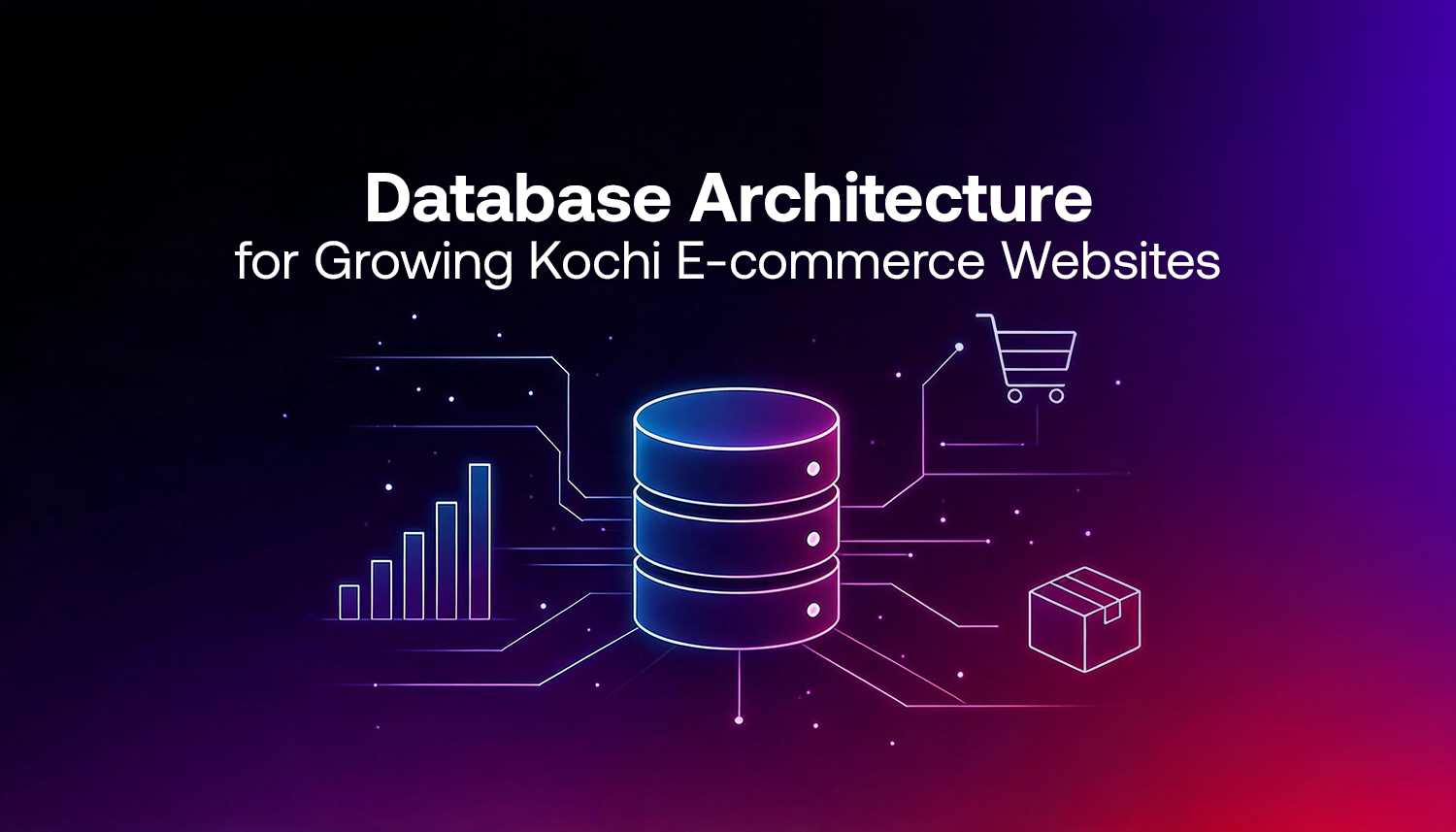
The architecture of your database dictates how your website stores, retrieves, and manages data.
It can be product listings, customer accounts, orders, stock, payments, and more. Do it right the first time, and your store grows easily. If not, you will face loading issues as soon as traffic starts.
This guide will cover what database architecture is all about, e-commerce, the crucial decisions to make, and much-needed information that any growing online business in Kochi and Kerala should know before they get into trouble.
| Quick summary: The more products, customers, and orders you can have in your eCommerce store without the system slowing down or breaking, the better the architecture. It is the selection of an appropriate database, proper data design, and scalable planning. |
Everything exists in your database. Each product, each customer record, each order, and each review. Your database is working in the background when a customer searches your store, puts items into their cart, or checks out.
All this occurs quickly when that database is well-designed. Pages load quickly. Inventory updates correctly. Orders don’t double or disappear. A simply moderate increase in traffic can lead to slowdowns, errors, or even crashes if the database is poorly designed.
In particular, the design of the database is a business-critical decision for e-commerce. Coderio e-commerce database guide shows that e-commerce was responsible for 16.4% of all retail sales in 2025. When the number of transactions is this high, database design is a business decision, not a back-office detail.
If there are 500 products in a store and 50 orders a day, a simple system will suffice. A database designed to be scalable is the only thing that makes sense for a 5,000-product store, flash sales, and people from all over Kerala and beyond.
This is one of the first questions that comes up, and the honest answer is: most e-commerce stores need both.
| SQL (Relational) | NoSQL (Non-Relational) | |
| Best for | Orders, customers, payments | Product catalogues, sessions, carts |
| Structure | Fixed tables and rows | Flexible documents or key-value pairs |
| Strengths | Complex queries, data integrity | Speed, flexibility, scaling reads |
| Examples | PostgreSQL, MySQL | MongoDB, Redis |
SQL systems, including PostgreSQL, often power many online shops. They fit well with data that has a clear shape. Think of order rows, payment details, customer info, and stock counts. All of these can be linked in set ways. In the Stack Overflow Developer Survey 2024, PostgreSQL came up as the top choice. About 49% of the developers said they used it.
When you need faster reads or more room to change things, NoSQL can help. Redis is one common tool. It can store hot data like product lists, what is in a cart, and session entries. That way, the main database does not have to repeat the same lookups over and over. This is useful when traffic spikes. For example, during big sale days or holiday periods, systems get hit with many requests at once. A Kochi e-commerce site that sees heavy Onam or Christmas demand would feel this kind of load.
A good e-commerce database separates concerns clearly. Each main job has its own kind of data. Links between parts are set out in a clear way.
In most e-commerce databases, you will see a few key tables.
The key is how these tables relate to each other. An order links to a customer and to specific order items. Each order item links to a product. You have to set these relationships up right in the database schema. If you do not, you can get data that no longer fits, like repeated orders, wrong totals, or stock numbers that do not line up with what was actually sold.
For stores that carry a huge set of items, the product details also need a close look, especially the attributes. A clothing store has sizes and colours. An electronics store has technical specifications. A hardware store in Kochi selling building materials has dimensions, unit types, and supplier codes. These variable attributes should be stored in a way that allows flexible querying without bloating the main products table.
Here’s what it looks like in practice. An online store in Kochi runs a sale. Traffic jumps. Every page load triggers a database query. The database starts queuing requests. Pages slow down. Customers refresh. More requests pile up. Eventually the site times out or throws errors.
This is not a hypothetical. It’s a common pattern for stores that outgrew their original setup without planning for it. The fix after the fact is expensive and disruptive. Planning for it upfront is far less so.
E-commerce database scaling often comes down to a few core moves.
Cloud-hosted databases are the more practical choices for growing e-commerce businesses. You can easily increase the capacity or scale back if you want to.
Local or shared hosting works fine at very low traffic volumes, but it has a hard ceiling. You can’t add read replicas, you can’t auto-scale, and if the server has a hardware problem, your store goes down. Cloud infrastructure removes most of those single points of failure.
The Google Cloud SQL documentation offers a straightforward overview of managed relational database options if you want to explore what this looks like in practice.
Database performance and website speed are directly connected. A slow database means slow page loads. And slow page loads affect SEO.
Data-heavy pages on an e-commerce website are usually the product listings and category pages. These pages likely rank in Google. Optimising data on these pages will give the technical SEO some real edge.
Storing customer data comes with real responsibility. Names, addresses, purchase histories, and payment records are sensitive. A database breach doesn’t just damage trust. It has legal and financial consequences.
Basic security practices for e-commerce databases include:
Inter Smart is a web development company in Kerala with experience building e-commerce sites for various businesses. Inter Smart knows what makes big stores fail and what helps them thrive. We use that information when we plan databases, tune queries, and set up systems to handle peak traffic.
If you run an e-commerce shop in Kochi or plan to grow a live store, the database plan you choose today matters a lot. It can make expansion feel easy, or it can turn it into a long fix cycle. Contact Inter Smart before you lock in those decisions.
Need guidance? Request a callback, and our expert will reach out at your convenience.