



Inter Smart
Talk to our expert today
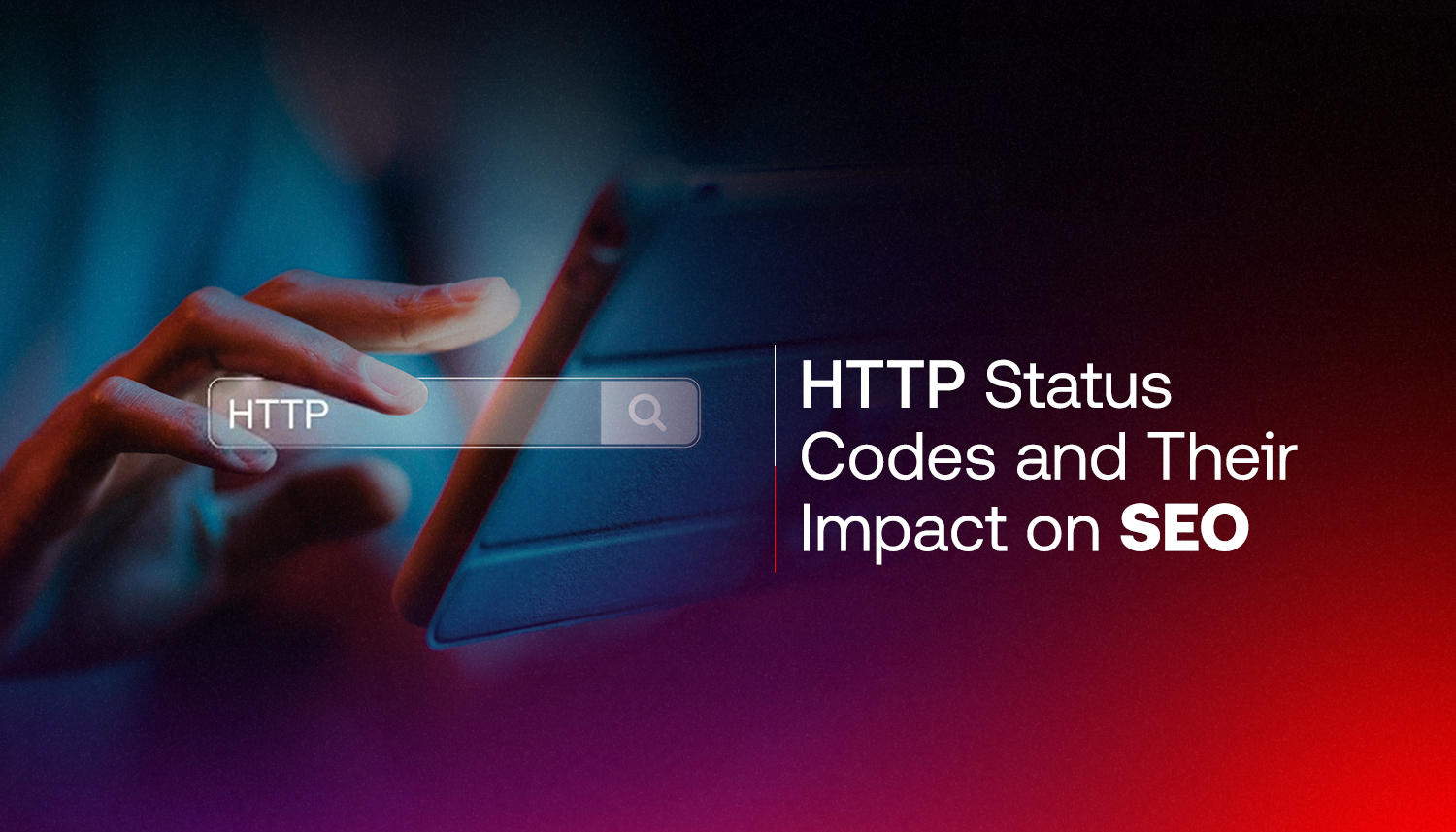
HTTP status codes are indicators of how well your website is optimised for users.
When there is a broken page or issue, the server returns a three-digit code to the visitor.
The user might not know what the code means, but Google certainly does. And it can affect the crawlability of your website and then the rankings.
This guide explains what the main HTTP status codes mean, how each one affects SEO, and what to do when things go wrong.
| What are HTTP status codes? HTTP codes are three-digit response messages from the Web server to the browser or search engine bot that requested a Web page. |
Googlebot is a robot that Google uses to periodically visit your website. Your server responds to the landing on a URL with a status code.
That code tells Googlebot what to do next. Index this page. Follow this redirect. Skip this page. Remove this from the index.
If you get the codes correct, Google can crawl your site well and rank your pages. If they get it wrong, crucial pages can be unindexed, link equity may be lost, and crawl budget will be squandered on dead ends.
Google itself admits that if they keep getting server errors they will scale back their crawling of the site, according to the following from Google’s own crawling documentation. If Google keeps receiving server errors, it slows down the frequency at which it crawls a website. This will result in fewer pages being indexed, and longer recovery times should the site have problems.
There are 5 types of status codes from 1xx to 5xx. The ones that are most important are the ones that fall in the 2xx, 3xx, 4xx, and 5xx ranges, this is for SEO.
Here’s a quick reference:
| Status Code | What It Means | SEO Impact |
| 200 OK | Page loaded successfully | Good. Google indexes and ranks this page. |
| 301 Moved Permanently | Page has permanently moved to a new URL | Good. Passes link equity to the new URL. |
| 302 Found | Page has temporarily moved | Use with care. Link equity may not transfer. |
| 404 Not Found | Page doesn’t exist | Bad if frequent. Wastes crawl budget. |
| 410 Gone | Page is intentionally deleted | Better than 404. Google deindexes faster. |
| 500 Server Error | Something broke on the server side | Serious. Google may stop crawling the site. |
This is the code you want. The page loaded, the server is happy, and Google can index it.
But in terms of SEO‚ every page you want to rank for‚ has to be a 200 so Google knows what to do with it and that’s not always in your best interest․
Use this when a page has permanently moved to a new URL (and you want Google to know to use the new URL instead of the old URL)․
301 redirects pass most of the link equity to the new URL from old URL‚ and as a result‚ they are the most commonly used redirect when a website moves or URLs change․
This is why sites that change their addresses often keep their rankings‚ because of 301 redirects․
On the opposite end‚ with a 302‚ Google interprets that the page has moved temporarily‚ making it possible that link equity does not fully pass on․
Developers often use a 302 response where a 301 should have been used․ However‚ if the redirect is permanent‚ Google may continue indexing the old URL even though a 302 response is set; thus‚ the new URL does not inherit any link equity․
General rule: permanent move gets a 301‚ temporary move gets a 302․
The 404 code tells Google there is no page and sends it on without crawling or indexing․
Any site will have a few 404s as pages get removed or URLs change‚ but the problem comes when the 404s increase excessively.
An overload of 404s wastes crawl budget‚ sending Googlebot to dead pages instead of your content․ And if other sites link to your 404 pages, that link equity is lost.
Add a 301 redirect from the broken URL to the closest matching live page. If you cannot find a good match, leave the 404 as it is. Then fix the issue in Google Search Console.
A 410 is a harder 404. It informs Google: this page will not return and it’s deleted.
Google removes 410 pages quicker than 404 pages. Use it for a page that you want to get out of the index very fast (discontinued products, for example, or older content that you no longer want on the Internet).
This is the one which actually harms when it stays.
500 – Something went wrong on the server side. The web page cannot be displayed. If Googlebot hits a 500, it’ll try again later. However, if there are 500s on your website, it begins to crawl less often.
If Google keeps extending 500 errors it may cease to add new pages to its index and even lose the rank of existing ones when the problem is in place. Quickly resolve server issues.
Crawl budget is the number of pages that Googlebot is able to crawl on your site in a specific period of time.
This is not typically an issue on a small site. Larger sites (hundreds or thousands of pages) are significant with regard to crawl budget. Googlebot will spend more time on 404 pages and redirect chains and server-side errors; if it spends more time there, then it will spend less time crawling your content pages.
This is especially crucial for ecommerce sites, blogs with a high volume of archives or any site with frequently updated content.
Clean status codes, resolve 404s, remove redirect loops and resolve 500s improve your ability to crawl websites.
Google Search Console and Screaming Frog are two useful and practical tools to use for this.
Google Search Console’s Coverage report documents the pages that are indexed, those that are exempt, and the reasons. It shows you the crawl errors such as 404 errors and server errors that Google is experiencing.
Check this regularly. When 404 errors start to spike, it could be because the website has undergone a change recently, and some link has broken or a page has been deleted which still has external links that are pointing to it.
Screaming Frog is a desktop application that crawls your website as Googlebot does. It prints all the URLs found with the status code for each URL.
Execute it whenever there is a significant modification of the site, a redesign, URL restructuring or migration to a different platform. It brings up 404s, redirect chains and 5xx errors before they can be a ranking issue.
Technical SEO sounds dry. But errors like these are often the reason a well-written, well-designed website fails to rank.
Inter Smart is a web development company in Kochi that approaches websites from both a development and an SEO perspective. Status codes, crawl efficiency, redirect architecture, page speed, these are built in from the start, not patched in after the fact.
For businesses in Kerala looking for a web development company and SEO company in kochi that understands how technical decisions affect search visibility, that combination matters. A site that’s fast, structurally clean, and free of status code errors gives SEO work a solid foundation to build on.
If your site has ranking issues you can’t explain, or if you’ve recently gone through a redesign and noticed a traffic drop, status codes are one of the first places to look.
Inter Smart can audit your site’s technical health and fix what’s holding your rankings back. Get in touch.
Need guidance? Request a callback, and our expert will reach out at your convenience.