


Inter Smart
Talk to our expert today
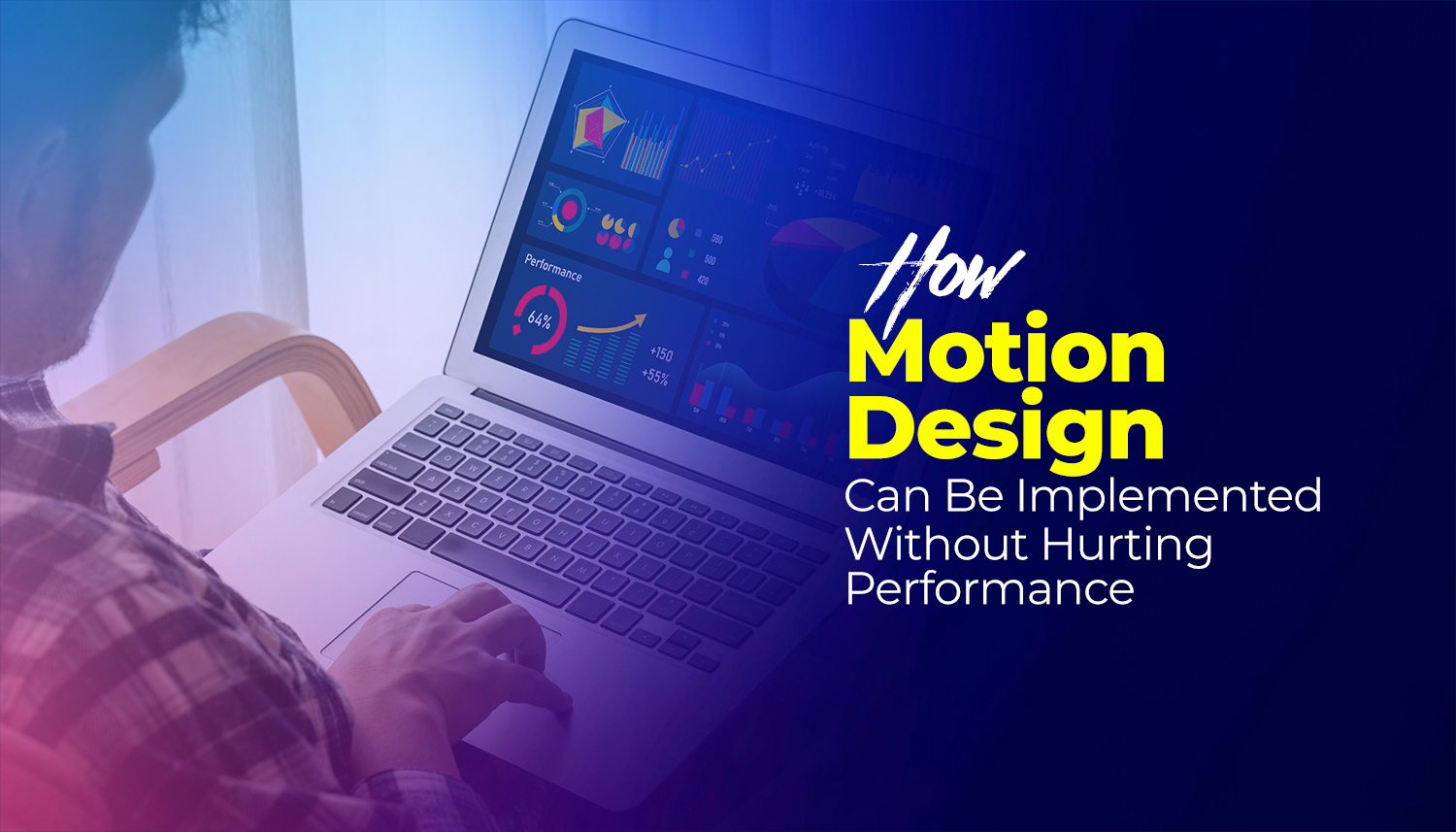
Your website doesn’t have to suffer due to motion design. Most of the time, the animation is almost never the problem. It’s how the animation is built.
This guide looks at the practicalities of adding motion to a website without performance problems. These recommendations are based on the actual behavior of browsers, and are supported by data from the 2025 Web Almanac and Google’s Core Web Vitals documentation.
| Quick Summary: Motion design can cause performance problems if it forces the browser to recalculate the layout or repaint the entire viewport. You can lazy load any movement that is off-screen and defer non-essential animations to a space after loading the main content. |
The first step to the answer is to understand how a Web browser displays a Web page. Every frame that the user sees goes through the following pipeline: JavaScript executes, styles are computed, layout is computed, and the elements are painted and composited on the screen. Expensive are the animation that gets the layout/paint stages of that pipeline. They make the browser redo work for every single frame.
The State of Web Animation 2026 report says that 40% of mobile pages have non-composited animations. These are not GPU-animated ones; these are animations that force a re-layout computation.
This is the most crucial aspect to get right. The properties you animate will decide whether the browser will use the CPU (slow) or GPU (fast).
This implies transform and opacity animation can be pushed off to the GPU compositor and can be executed concurrently with the main thread. Everything else requires recalculation of layout/paint, which is much more expensive. Here’s the lowdown:
| Safe to animate | Avoid animating |
| transform (translate, scale, rotate) | width and height |
| opacity | top, left, right, bottom |
| filter (small elements only) | margin and padding |
| backdrop-filter | background-color |
| SVG paths (with care) | box-shadow (use opacity instead) |
The #1 animation performance blunder you can make is loading them too soon. Loading animation libraries or large SVG motion files before your main content competes for bandwidth and delays your LCP score.
Here’s the trick to avoid motion degradation in load time:
Animations the user can’t see yet, anything below the visible area on first load, doesn’t need to load immediately. Employ the Intersection Observer API or a library which implements it to perform animations when an element is visible in the viewport. This is one of the best one-off fixes to help improve animation rich pages’ LCP.
If you’re using a JavaScript animation library, such as GSAP, then load it using the `defer` attribute, which will cause it to execute after the HTML is parsed. If an animation is not visible when the page loads, then async loading is even better. Either way the animation library will not block the initial render.
Mobile pages are using CSS transitions. Most of the common motion effects – fades, slides, hover states and simple entrance effects – are best accomplished with CSS. It also is closer to the metal than JavaScript and does not incur any library overhead. Store JavaScript animation libraries for more complicated, sequential or scroll-based animation, which CSS simply can’t do.
Avoid animating the element that Google is going to measure as your LCP. It’s usually your hero image, a big heading, or a conspicuous banner. If you animate it on load, it lengthens the time that Google considers to be LCP. Put the animation instead on a background element or a secondary layer, so that the main content appears immediately.
The will-change: transform CSS property tells the browser to render an element first on a dedicated GPU layer, before it gets animated, which can lead to better performance. However, excessive use of it is inadequate: it will occupy the GPU memory, and excessive promotion of the elements will make the performance worse. Only use it just prior to animation starting and remove it at the end of the animation.
The simplest approach is to use Google PageSpeed Insights, which audits any public URL on the web with the help of Lighthouse and provides Core Web Vitals scores and specific recommendations. Animations that are causing problems will typically be identified in either the “Avoid large layout shifts” or “Reduce JavaScript execution time” sections.
Chrome DevTools provides two tools that you need to be familiar with for more specific diagnosis:
The steps in the practical workflow are described below: Create the animation, launch the PageSpeed Insights report, examine the LCP and INP scores, open DevTools Performance if the score is not what is expected, and determine which property/element is causing the problem. Repeat until the scores are clean.
At Inter Smart, motion design is treated as a technical discipline, not just a visual one. Every animation we build is evaluated against the same performance standards as any other part of the site: does it affect LCP? Does it cause layout shift? Does it block interactions on mobile?
The answer to all three should be no. And with the right approach, it can be.
As a web design company in Kochi working across a wide range of industries and device types, Inter Smart consistently builds sites where motion enhances the experience rather than adding weight to it. This is CSS-first for simple effects, asynchronously loading JavaScript libraries for more complex sequences, lazy loading for motion that is below the fold, and prefer-reduced-motion support since the outset.
Whether your website features animation that is negatively impacting on your website’s performance or you’d like to introduce animation to a new website without sacrificing your Core Web Vitals, that’s an issue that Inter Smart can help with. Get in touch.
Need guidance? Request a callback, and our expert will reach out at your convenience.